



From the first conversation to getting paid.
Here’s the written guide to how a quoted job moves through Kwilo. We’ll use a heating business as an example, starting with a call from Ava.
A customer gets in touch.
Ava needs a boiler pressure check. Keep her contact details, address and notes with the job, so you can pick up the conversation without searching through messages.
More about customers and jobs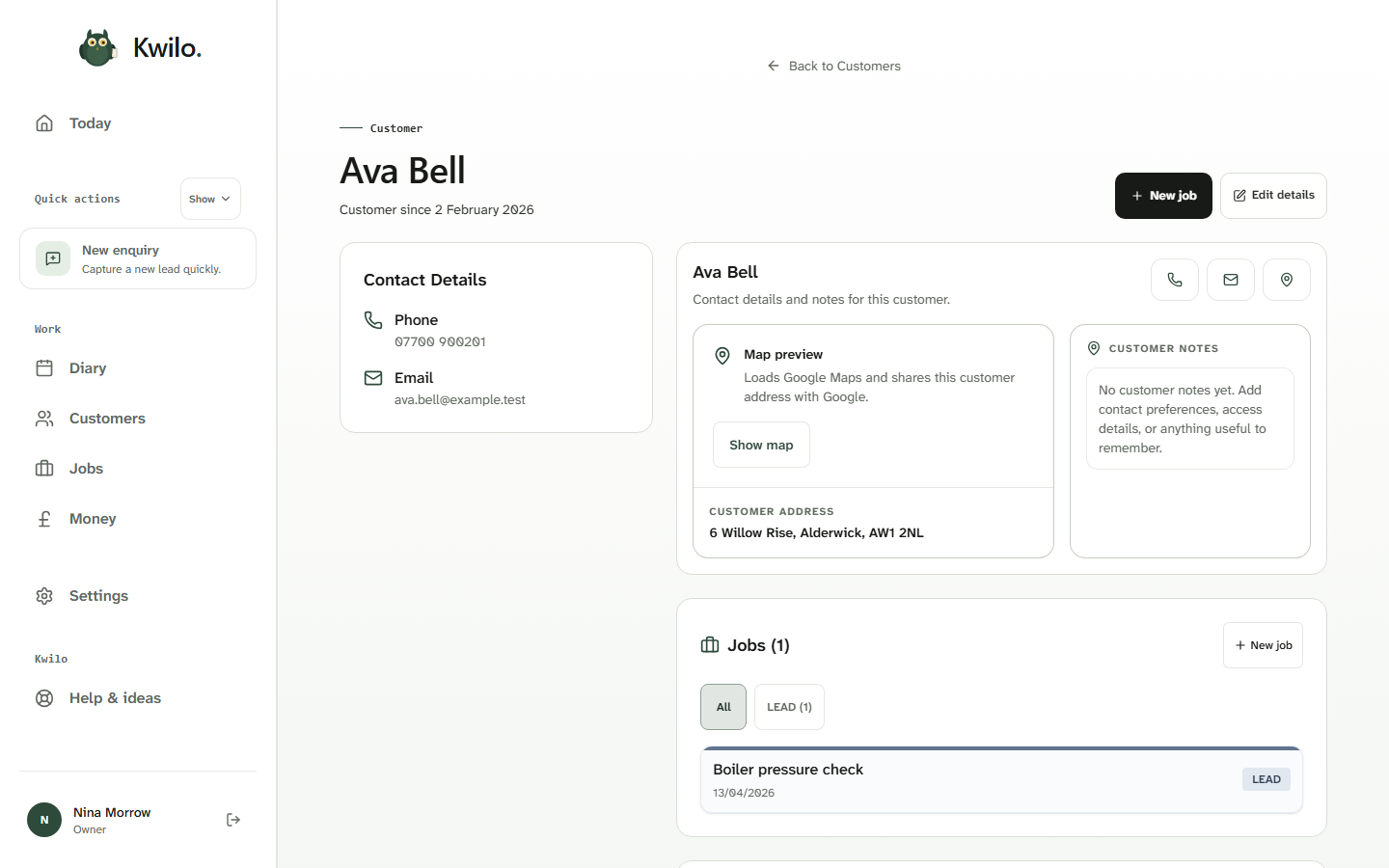
Agree the work and price.
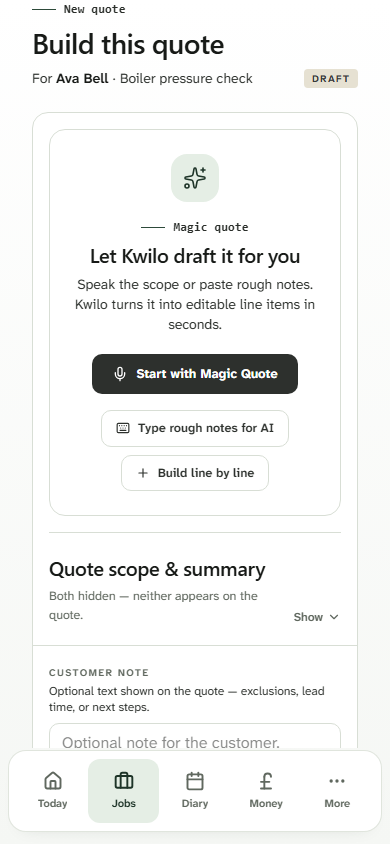
Speak the details or type rough notes into Magic Quote. Check the suggested lines and prices before adding them to Ava’s quote.
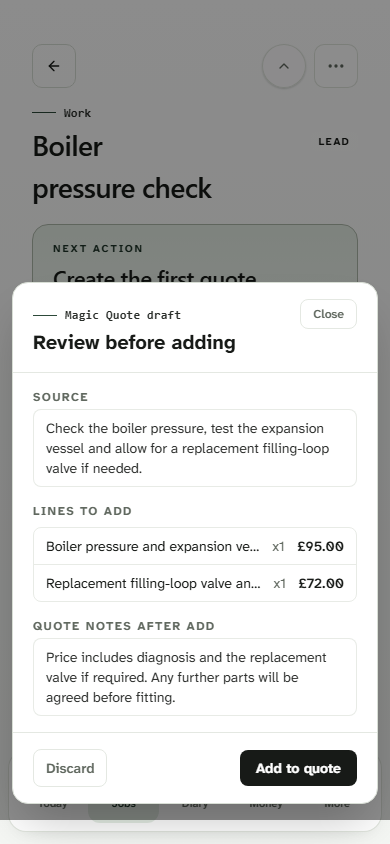
When you’re ready, share the quote link by WhatsApp or email. Ava can approve, reject or ask a question, with her reply kept alongside the price you sent.
See how customer replies workPut the work in the diary.
After approval, book the visit. Each booking keeps its customer, time and work together. If plans change, move the visit without recreating the job details.
More about the diary and visits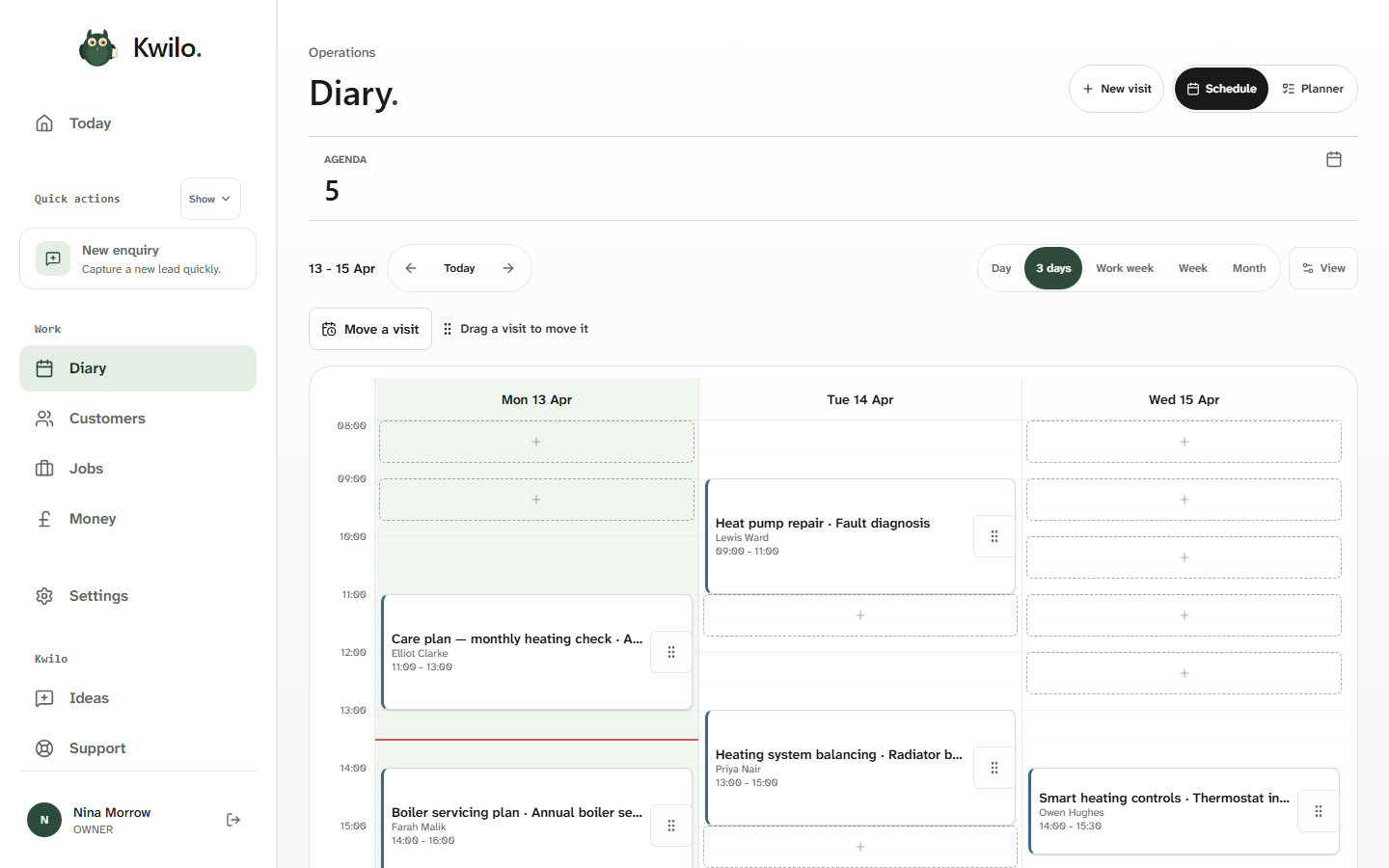
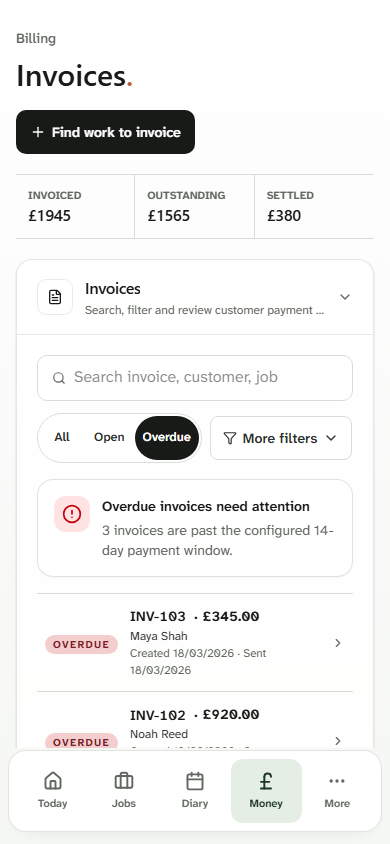
Send the invoice. See what still needs chasing.
When the work is done, raise the invoice from the job. This separate example shows several overdue invoices, with the customer and amount ready when you follow up.
Record receipts and business costs as you go, ready for the books.
More about receipts and bookkeepingYou stay in control.
You check drafts, choose when to send customer messages and review money and tax records. Kwilo doesn’t replace professional advice or currently send quarterly updates or Final Declarations to HMRC.
Could this fit the way you work?
Check what’s included and how the trial works. If you’d like to explore the screens yourself, the walkthrough follows Ava’s job through to payment.